

Create your first auction
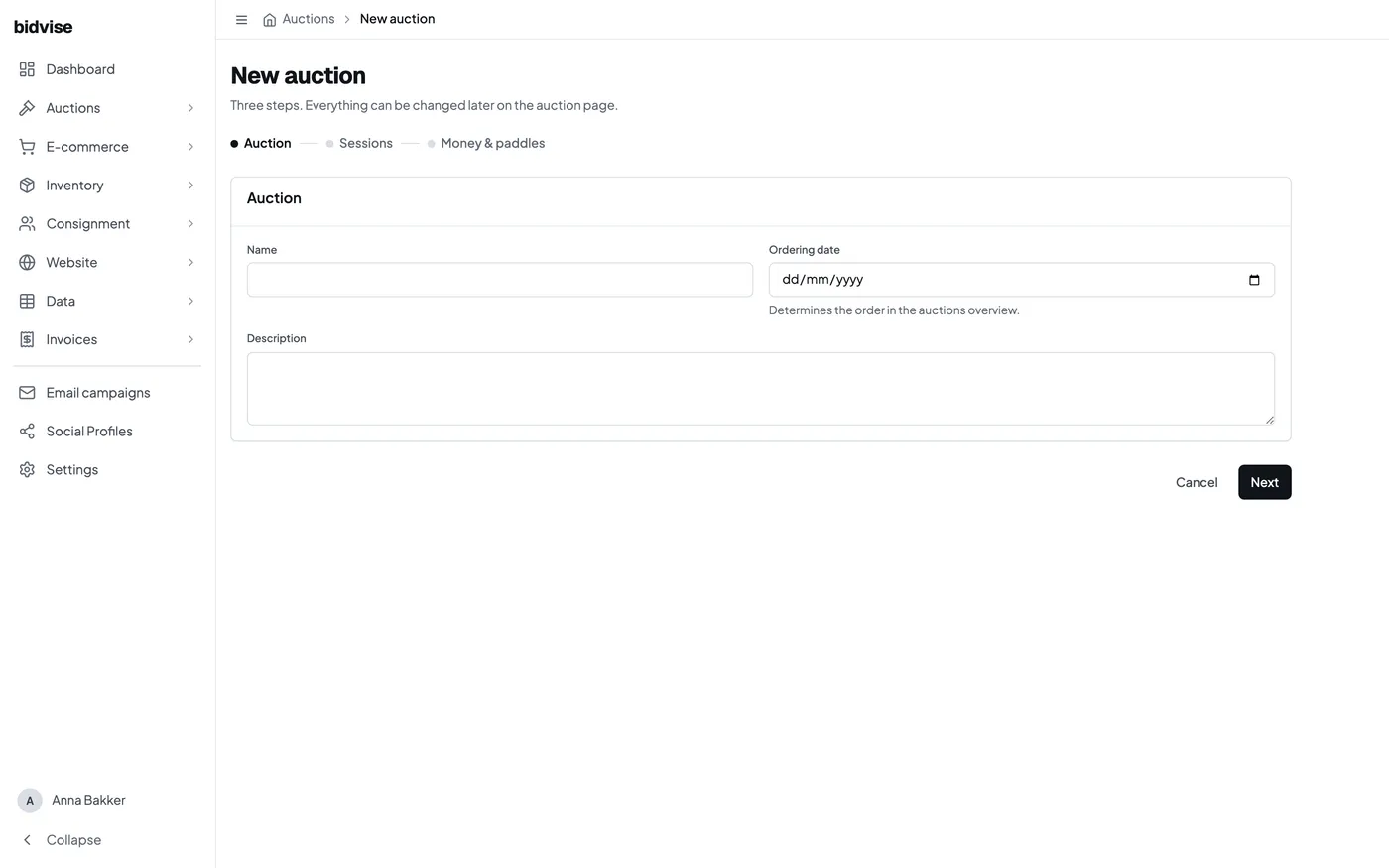
An auction holds the public information, terms and one or more sessions. A small sale may have one session. A multi-day or mixed-format sale can have several sessions under the same auction.
1. Enter the auction details
Give the auction its working name, public title and description. Choose the website it will appear on and check the currency. These details apply across the sale.
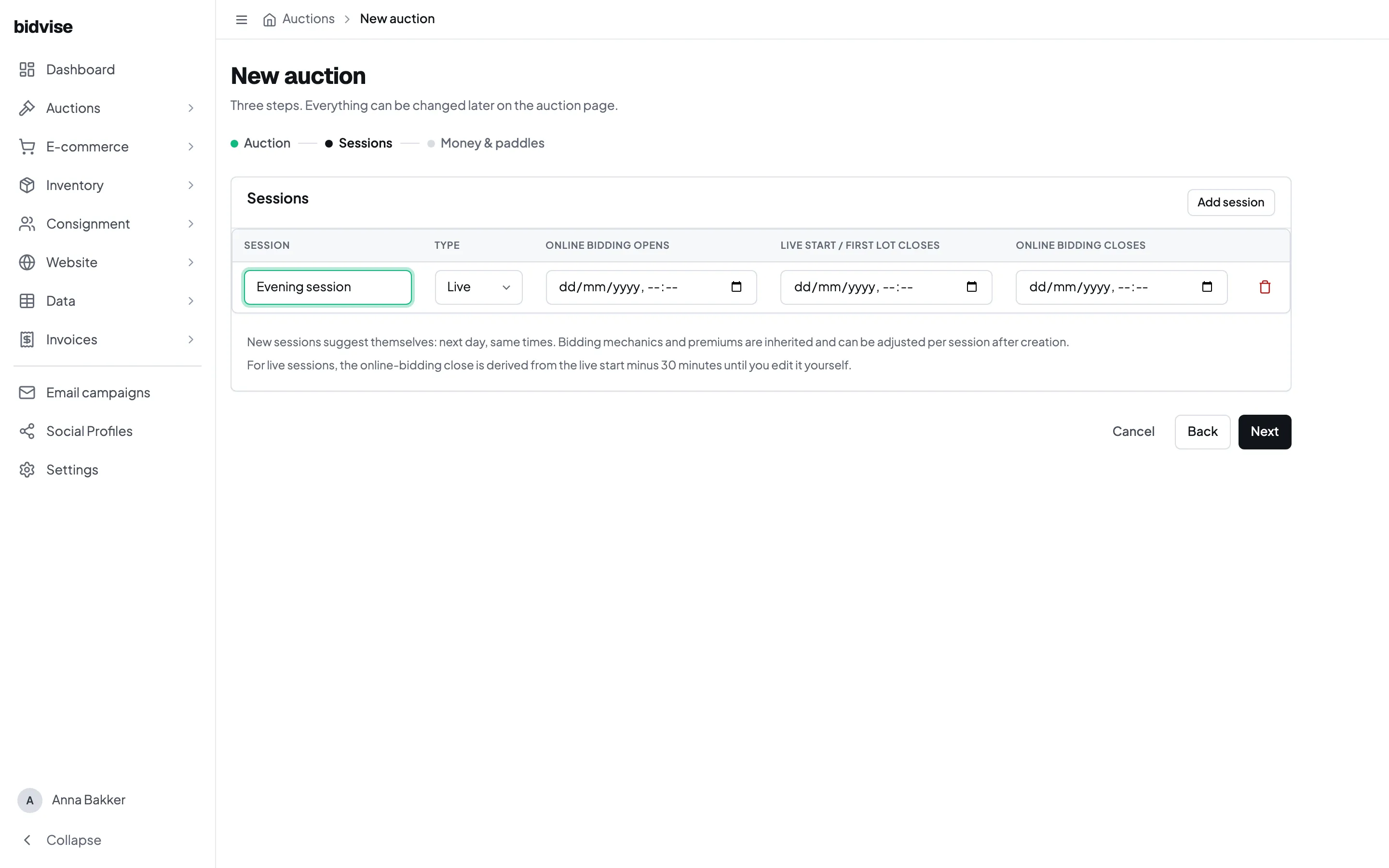
2. Add sessions and dates
Each session is one timed or live part of the auction. Set its format, viewing period, opening time and closing or live-start time. For a timed session, also check the order and interval in which lots close.
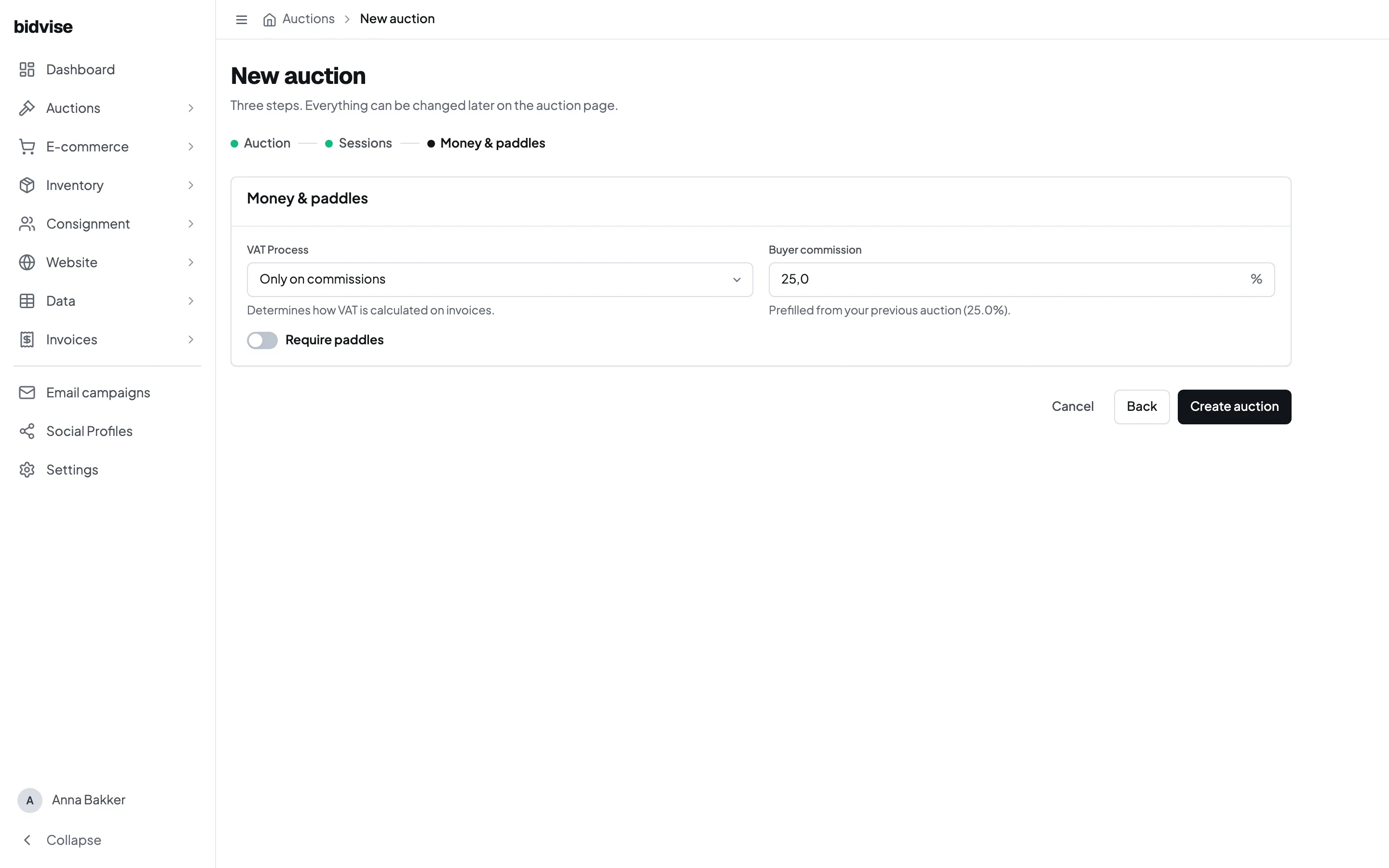
3. Check the money settings
Review the buyer’s premium, bid-increment table and other financial defaults. House settings provide the starting values, but this auction may override them where the sale requires something different.
4. Build and review the catalogue
Add lots to the appropriate session. Before publishing, check lot numbers, photos, descriptions, estimates, reserves and all session dates. Use the spreadsheet import when you need to update many existing lots together.
Keep the auction private while you prepare it. Publish only after the bidder-facing preview and the opening and closing schedule are correct.