

What Bidvise does
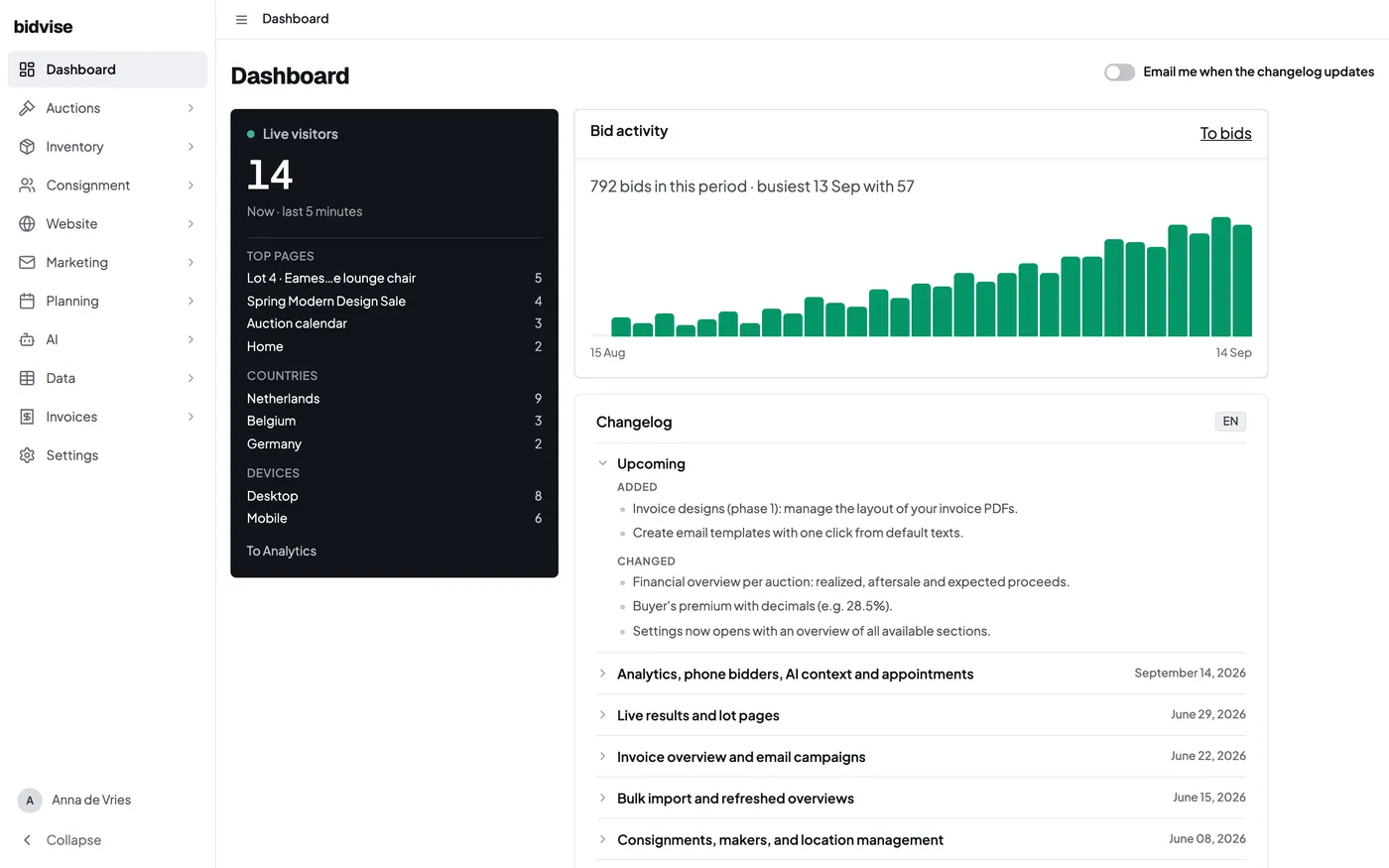
Bidvise gives auction houses one platform to prepare auctions, fill catalogues, receive bids and handle everything afterwards. This section gives an overview of the different parts.
From consignment to catalogue
Work normally starts with the consignor and the terms under which you accept their goods. You record those terms in a consignment, then add the items that belong to it. Each item can carry its description, photographs, condition, dimensions, estimate, categories and internal information.
When an item is offered for sale, it becomes a lot in an auction session.
Auctions and bidding
An auction is the sale as buyers know it, for example the September sale. An auction consists of one or more sessions, timed or live. Within an auction, sessions can have their own settings.
Once you make the auction public, bidders see the same lots on your own website. They can create an account, follow lots and bid online where the session allows it. Your team can review bidder accounts, paddles, bids and sale results from the backoffice.
After the sale
When bidding has finished, your team checks the results and creates the buyer invoices from the sold lots. Bidvise keeps the hammer price, buyer’s premium, invoice lines and payment status together, including corrections when a sale changes afterward.
On the consignor side, the sale overview shows which sold lots have been paid by the buyer, what commission applies and which lots still need attention before the consignor’s paperwork is complete.
Where to go next
- Your website and bidder experience: your domain, catalogue and bidder accounts.
- Create your first auction: organise the sale and its sessions.