

Phone bidding and the team roster
At a live auction your team calls customers who are not in the room, shortly before their lot comes up. That works when it is clear in advance who calls, who gets called and for which lots. In Bidvise you record that per live session on the Phone bidding page.
1. Prepare your team
Under settings you find Team: the people who help on an auction evening, with their name and optionally their own login. These are the callers you later assign to a phone bidder.
In the phone bidding settings, also set the call lead time: how many lots before the bidder’s lot the call is made. Bidvise uses that number to see whether one caller would have to hold two calls at once.
2. Set the duties per session
Open a live session and choose Phone bidding, then Duties. Per team member you tick who is present that evening and who has phone duty. Only someone on phone duty can be chosen as a caller; a call that still sits with someone off duty gets a warning.
3. Add a phone bidder
Choose Add phone bidder. Search the bidder by name in the Bidder field; existing buyers come from your customer records and the phone number is filled in. Then pick the paddle and type the lot numbers the customer wants to be called for. Per lot you can record a caller and a note.
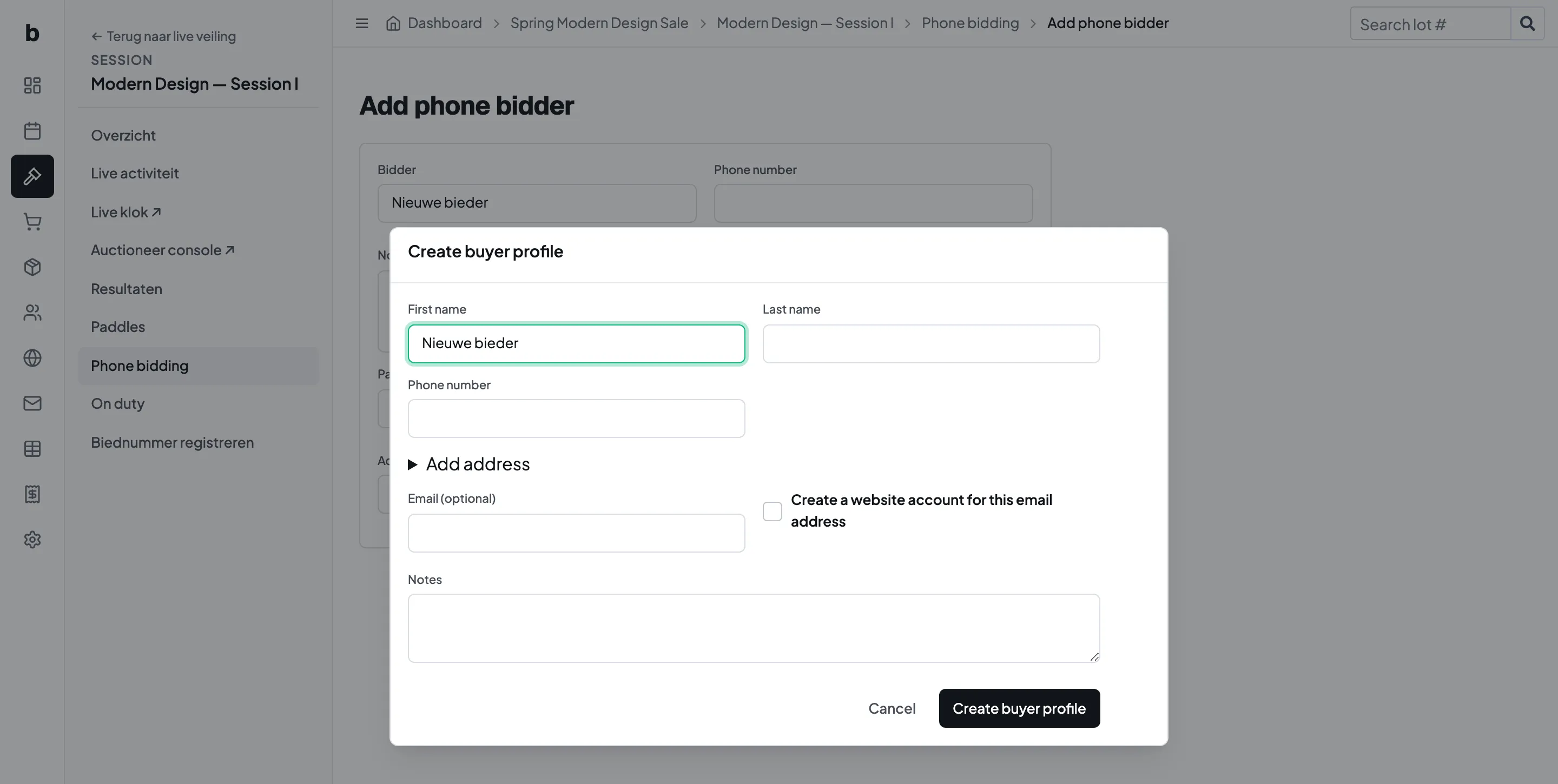
If the customer is not in your records yet, choose Create buyer profile. A window opens where you enter name, phone number and address. If you enter an email address, you can have a website user created at the same time, so the customer can also sign in themselves. After saving, the new profile is selected and a line under the field says what was created. The same goes for Create paddle.
4. Read the overview and resolve clashes
The page shows the call list in two ways: per lot and bidder (who calls whom for which lot) and per lot (how many bidders per lot and whether everything is assigned). At the top are the counts: phone bidders, lots with interest, calls, unassigned, clashes.
A clash means one caller would have to call two different bidders within the lead time. Assign one of the two calls to another team member. Print gives you the call sheet for the table.
What to check beforehand
A call without a caller counts as unassigned. Go through the list once more before the evening, and check that everyone who calls is also on the duty roster.